Supported formats
MP3
Podcasts, dictaphones, voice memos
WAV
High-quality studio recordings
M4A
iPhone voice memos, iTunes audio
FLAC
Lossless archive recordings
OGG
Open-source recordings
MP4 / MOV
Video files, Zoom, interviews
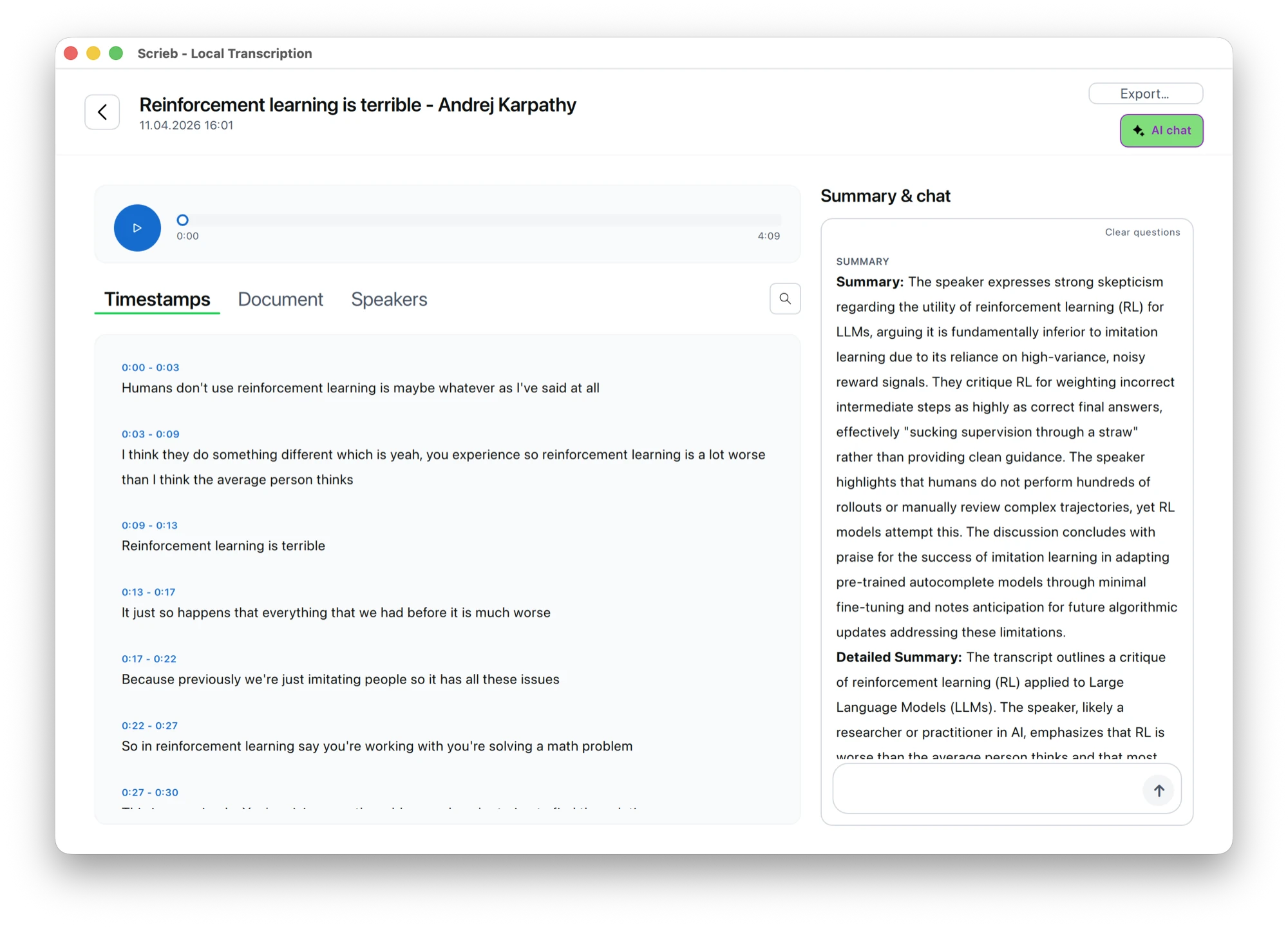
How to convert audio to text
- Import audio: Drag and drop your audio file into Scrieb, or browse to select it. Any common format works.
- AI transcribes locally: Scrieb runs the Whisper model on your device — no internet, no upload, no server involved.
- Speaker recognition: For multi-speaker recordings, Scrieb automatically identifies and labels each speaker.
- Export: Export the transcript to Word, PDF, plain text or Markdown — ready for editing, quoting, or analysis.
Google Docs audio to text: what it can and cannot do
Google Docs has Voice typing (Tools → Voice typing, in Chrome). It types what your microphone hears, live, into the document. That is useful for dictating a draft, but it has limits when you have a recording:
- No file upload. Voice typing cannot open an MP3 or M4A. The usual workaround, playing the file through your speakers into the microphone, loses quality and ties up the computer for the whole length of the recording.
- No speakers. Everything lands in one block of text, without who said what.
- Online only. The speech is processed by Google, so it needs a connection and the audio leaves your computer.
For a recording, transcribe the file instead: Scrieb reads it directly, labels the speakers and exports a Word document that opens in Google Docs as well.
Transcription example: audio to text
Two minutes of a recorded call come out like this, with speaker names you set once:
Maria: Can we move the delivery to the second week of November? The client asked for more time to test.
Jon: Yes, if we keep the scope. Anything new goes into the next release.
Maria: Agreed. I'll send them the updated plan today.
Pricing
The free plan includes 1 hour of recording a day. Pro has no minute limits.
Frequently asked questions
- How do I transcribe audio to text in Word?
- Word's Transcribe feature (Microsoft 365, web) uploads your file to Microsoft and has a monthly limit. Alternatively, transcribe locally in Scrieb and export a DOCX: it opens in Word with speaker names in bold and the summary's headings intact.
- Can ChatGPT or Copilot transcribe audio to text?
- Yes, but only by uploading the recording to OpenAI or Microsoft, usually with length limits. For confidential recordings, or files longer than a few minutes, a local app is the safer route: the audio stays on your computer and there is no length cap per file.
- How do I convert audio to text on Mac or Windows?
- Drop the audio file into Scrieb → local AI transcribes → export as TXT/DOCX/PDF. No account needed, and no internet after the one-time model download; the free plan covers 1 hour a day.
- What audio formats does Scrieb support?
- MP3, WAV, M4A, FLAC, OGG, and video formats including MP4 and MOV. No pre-conversion needed.
- Is audio-to-text conversion GDPR-compliant with Scrieb?
- Yes. No data leaves your device, so there is no cloud upload, no third-party processing, and no DPA required.
- How accurate is the audio-to-text conversion?
- Scrieb uses OpenAI's Whisper model, which delivers excellent accuracy for English, German, French, and 90+ other languages — including technical and medical vocabulary.
- Does Scrieb convert audio to text without internet?
- Fully offline after the initial model download. No internet required for any transcription.
- Can Google Docs transcribe an audio file?
- Not directly. Google Docs Voice typing only types what the microphone hears live; it cannot open an audio file. Playing the recording into the microphone works poorly. A transcription app reads the file itself: Scrieb does that on your own computer and exports a Word file you can open in Google Docs.